
No Signal in Kruger? Here's How to Never Miss a Wildlife Sighting Again
Most of Kruger has no cell signal. Here's what that actually means for your safari, and how to keep logging and seeing sightings anyway.

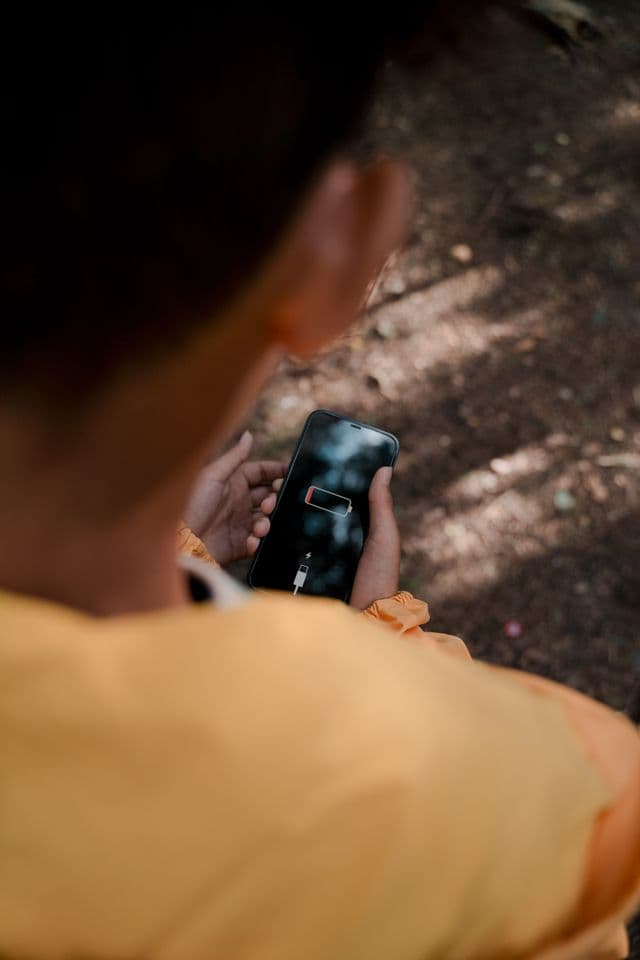
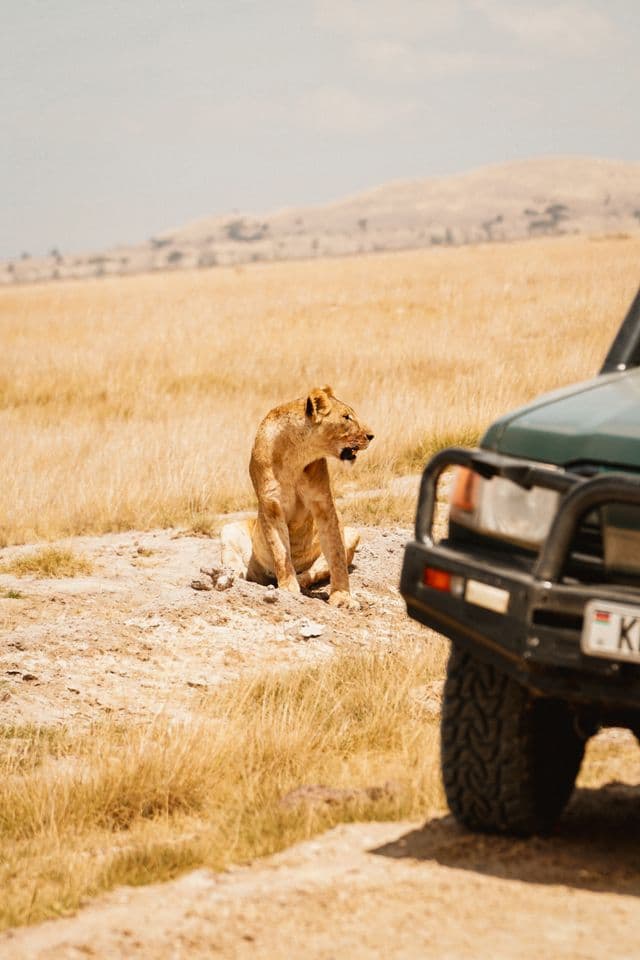
You round a corner deep in the bush, and there they are: a pride of lions on a fresh kill, no other cars in sight. You reach for your phone to log it, check the map, or tell the car behind you what you just saw. Nothing loads. No bars. And for a lot of Kruger, that's not bad luck. That's just Tuesday.
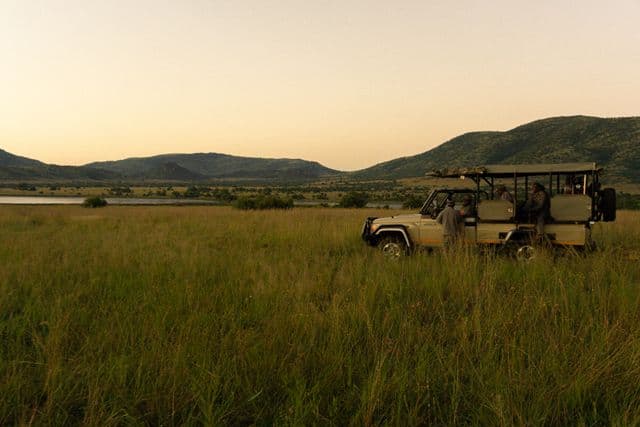
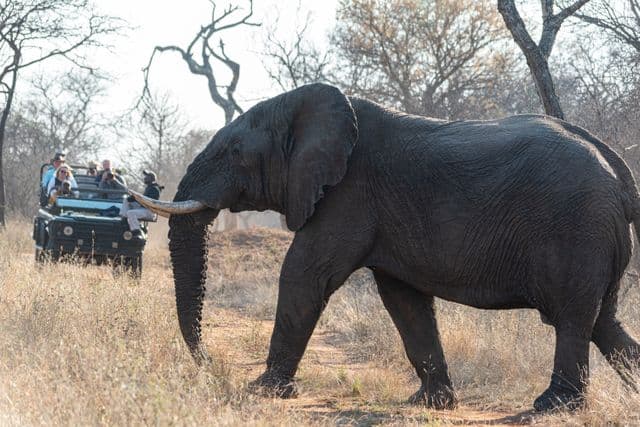
South Africa's national parks are vast, remote, and deliberately undeveloped outside the rest camps, which is exactly what makes them worth visiting, and exactly why cell coverage is patchy at best once you're away from a camp or main gate. If you're planning a self-drive safari, it's worth understanding what that actually means before you're the one staring at a spinning loading icon with an elephant herd crossing the road in front of you.
Why Kruger's signal is so unreliable
Kruger National Park alone covers roughly 20,000 km², bigger than some countries, with cell towers concentrated around rest camps and main roads, not the network of dirt roads and remote loops where the best sightings usually happen. The further you get from a camp, the more likely you are to lose signal entirely, sometimes for hours at a stretch. It's the same story in Kgalagadi, Pilanesberg, and most of the country's other major reserves: incredible wildlife, minimal infrastructure, by design.
This isn't a bug in the parks. It's the point. But it does mean that anything you rely on your phone for needs to be able to survive going dark for a while.
What losing signal actually costs you on a game drive
It's easy to underestimate this until you're in it. No signal means:
No live directions if you're relying on a maps app that needs a connection to load new tiles
No way to check messages from other cars in your group about what they've just seen
No way to look anything up. Is that a black-backed jackal or a side-striped jackal? You'll find out tonight, if you remember
And for most wildlife-sighting apps, no way to see what anyone else has spotted nearby, or log your own sighting at all
That last one is the one people don't expect. A sighting feed that depends on a live connection to load and to submit new pins simply stops working the moment you need it most. In a place like Kruger, that's most of the time you're actually out looking for wildlife.
How to prepare before you lose signal
A few habits make a real difference, regardless of which apps you're using:
Download offline maps before you leave home, not once you're at the gate on patchy airport WIFI.
Note physical landmarks and road names as you drive, not just GPS coordinates. It helps if you need to describe your location to someone else without data.
Agree on a rough plan with your group beforehand (which loop, which camp for lunch), since you can't always message a change of plan mid-drive.
Charge everything the night before, and bring a power bank. A dead phone is worse than no signal.
These help regardless of what's on your phone. But the bigger fix is making sure the apps you're actually using were built for this in the first place, not just tolerating it.
Why most wildlife-sighting apps stop working exactly when you need them most
Most sighting apps are built the way most apps are built: assume a connection, show a loading spinner or an error when there isn't one. The live map needs to fetch new pins. Submitting a sighting needs to reach a server immediately or it fails. The moment you cross into a dead zone (which, in Kruger, can be most of your drive), the app becomes a blank screen with a species list you already knew.
That's a real cost. It means the sighting you logged an hour ago, when you still had signal near camp, is the only thing you're working from. Everything anyone else has seen since then, including the pride of lions three roads over, simply isn't there.
How opspoor is built differently
opspoor was built offline-first from the ground up, specifically because of this problem. In practice, that means:
The sightings feed is cached on your phone, not just loaded live, so recent, confirmed sightings from other trackers are still there even with zero signal.
You can log a full sighting with no connection at all (species, behaviour, GPS position, group size, direction of travel). It queues locally instead of failing.
Everything syncs automatically the moment you're back in range, camera roll and all, with no need to remember to resend anything.
It works the same way across Kruger, Kgalagadi, Pilanesberg, and every other park opspoor covers, not just near camps and gates.
The difference shows up in the moment that matters: you can still see what's been spotted nearby, and still log what you find, whether you're parked at the camp restaurant or an hour into a dead zone on a river loop.
A simple pre-drive checklist
Download opspoor and create your account before you leave home, on real WIFI
Open the app once at the gate or camp to pull in the latest cached sightings for the park you're entering
Log sightings as you go, offline or not. You don't need to wait for signal
Check back once you're near camp again to see what synced and what other trackers found while you were out
The best sightings in South Africa's parks tend to happen exactly where the signal doesn't reach. Your tracking app shouldn't need to disagree.
Gallery