

AI Species Identification
Not sure what you just saw? Ask the camera.
Snap a photo, crop in on the animal, and opspoor’s on-device AI suggests the species with a match score. Confirm it and the species is already filled in.
Free in the app. Browse the species guide
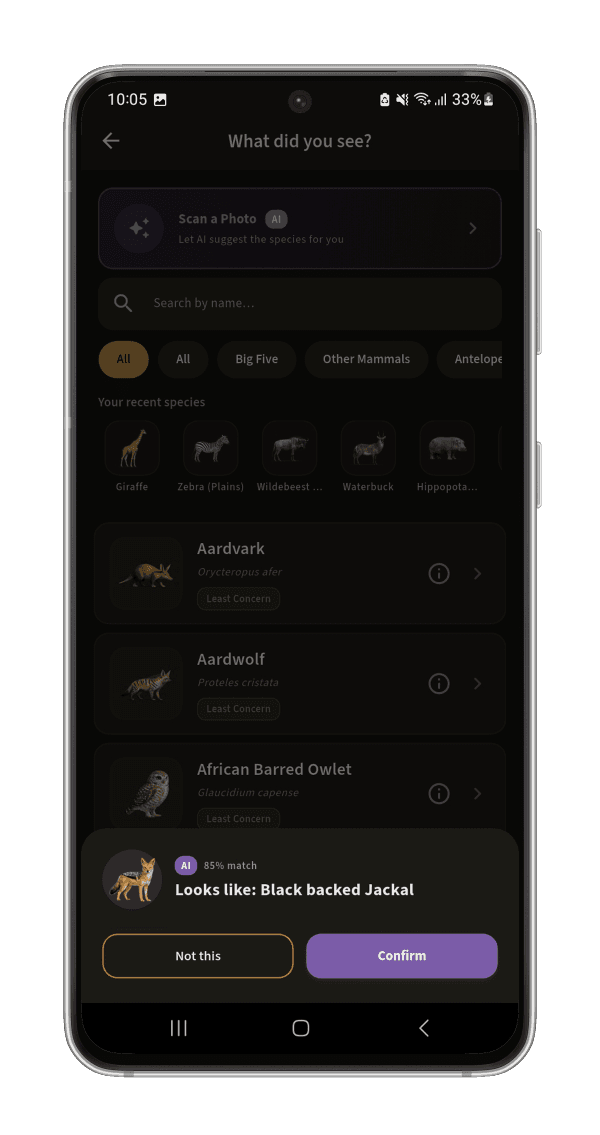
From photo to logged sighting
Four taps from photo to sighting.
Take a photo, or pick one from your gallery
Start from "What did you see?" when logging a sighting and tap Scan a Photo. Camera or gallery, your choice.
Crop in on the animal
Frame the subject for a cleaner read, or skip straight to identifying the full photo.
One clear suggestion, with its match %
"Looks like: [species], 82% match." One confident answer, not a confusing list to second-guess.
Confirm it, or say "not this"
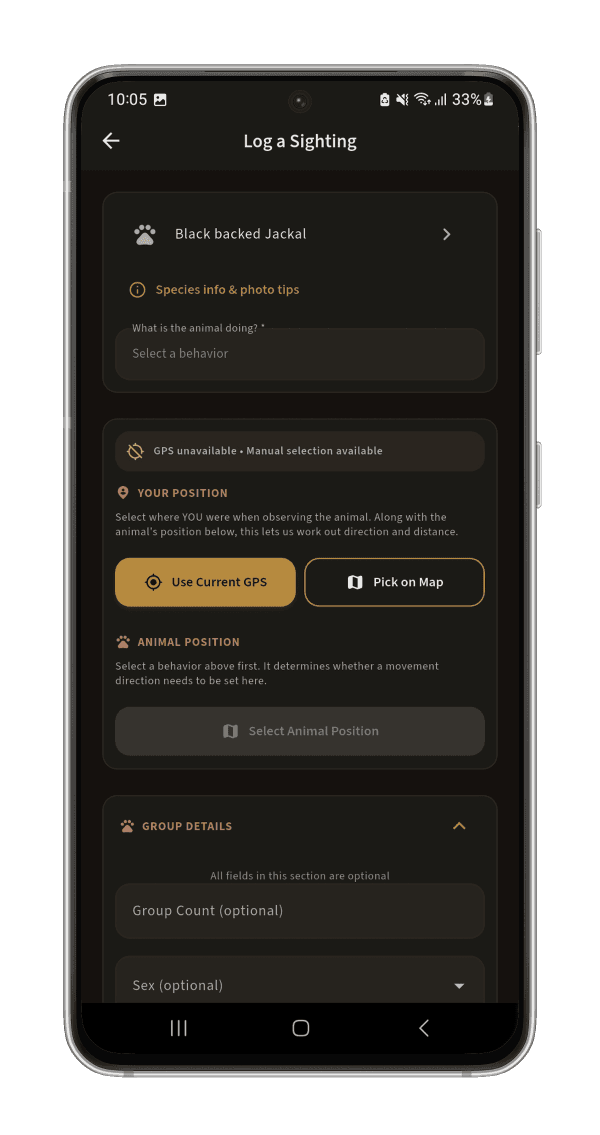
Confirm and the species is filled in for you going into the sighting form, photo included. Not it? Pick manually from the list, same screen.
Why on-device
The identification runs on your phone, not in the cloud.
Most parks are exactly where signal disappears. opspoor’s model lives on your device, so identification works the same deep in the bush with zero bars as it does at the gate.
Inside AI Species ID
A closer look
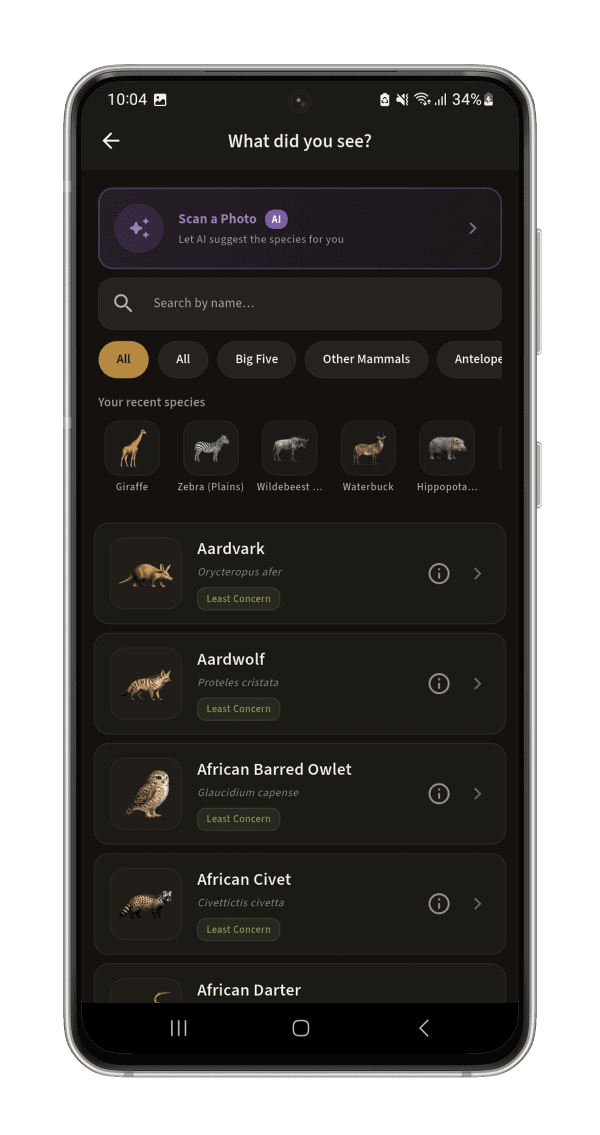
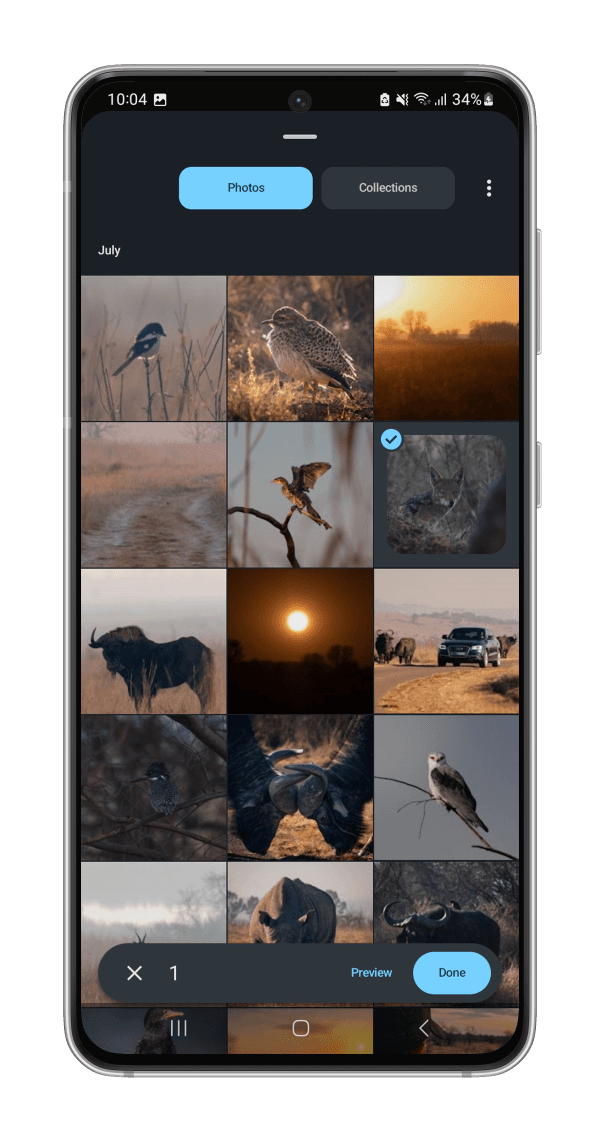
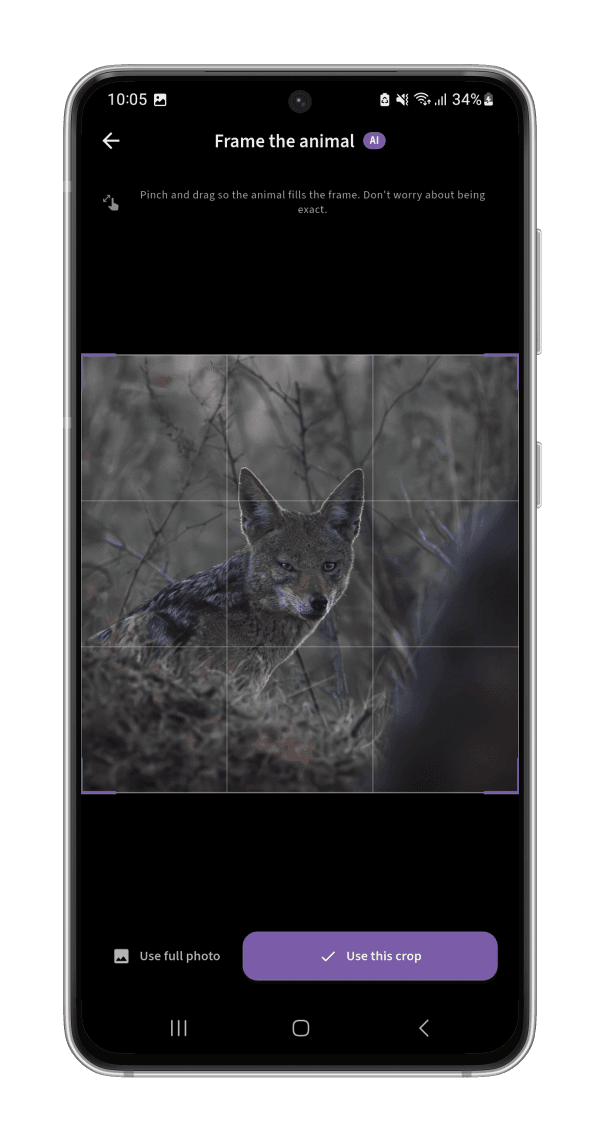
Under the hood
Almost the whole field guide, and it knows when it’s not sure.
opspoor’s model recognizes almost all of the 239+ species in the field guide and only surfaces a suggestion once it clears a minimum confidence bar. Below that, it says so and guides you to a better-lit or closer photo instead of guessing. It also knows which species actually occur in the park you’re in, and weighs its answer accordingly. It’s a second opinion to speed up logging, not a replacement for your own eyes.
Stop wondering what you just saw.
opspoor is free on iOS and Google Play, with on-device AI species identification built in.